FAQ on Abelian Pro
If you forget your Abelian Pro Wallet password, remember that the Foundation doesn’t store private keys or backups, so backing up your key is crucial. In case of a forgotten password, enabling biometric login is recommended. If you’ve forgotten the PIN but backed up your private key, you can reinstall the app, set a new password, enable biometric login, and import your key.
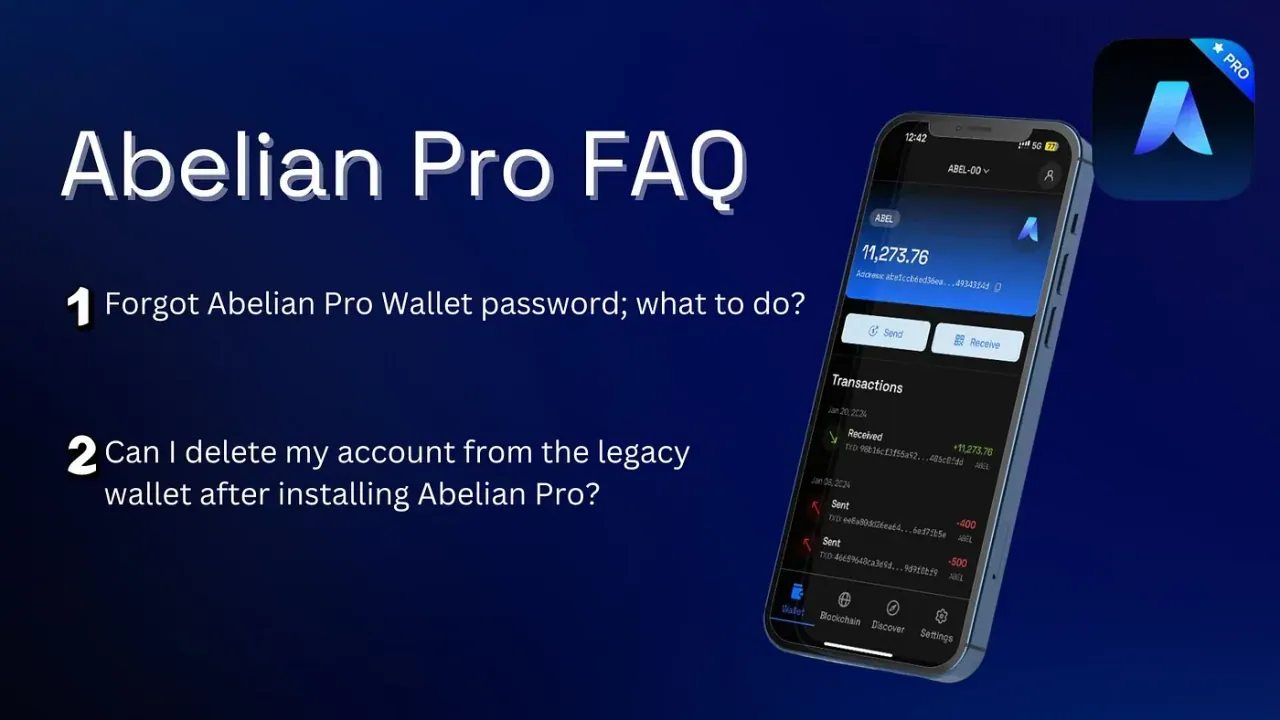
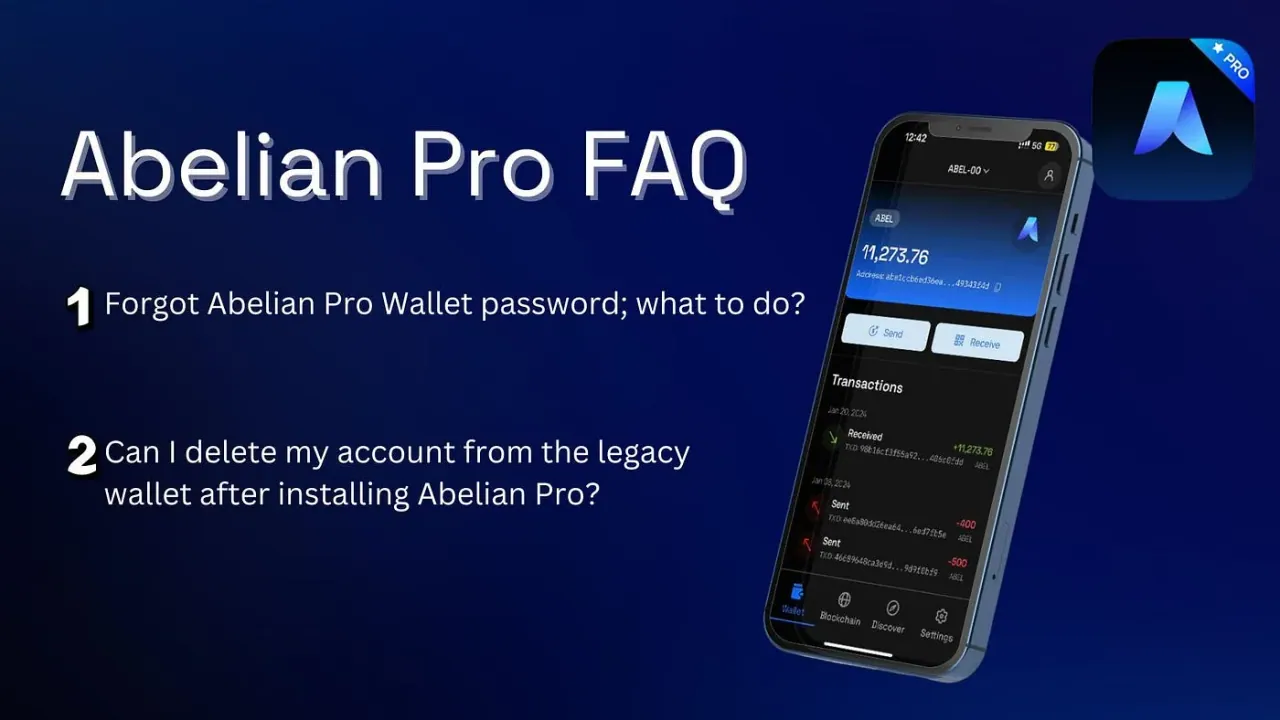
1️⃣Forgot Abelian Pro Wallet password; what to do?
👉If you forget your Abelian Pro Wallet password, remember that the Foundation doesn’t store private keys or backups, so backing up your key is crucial. In case of a forgotten password, enabling biometric login is recommended. If you’ve forgotten the PIN but backed up your private key, you can reinstall the app, set a new password, enable biometric login, and import your key.
⭐️ Always back up your private key when setting up.
2️⃣Can I delete my account from the legacy wallet after installing Abelian Pro?
👉You can safely delete the legacy wallet app, but the Foundation suggests keeping your legacy account until year-end to avoid potential issues.
Download the quantum-safe #AbelianPro on the iOS App store or Google Play Store now! 🚀
Download here👇
Abelian Pro Now on iOS App StoreAbelian Pro Now on Google Play Store